Filters
Find the right products in one tap
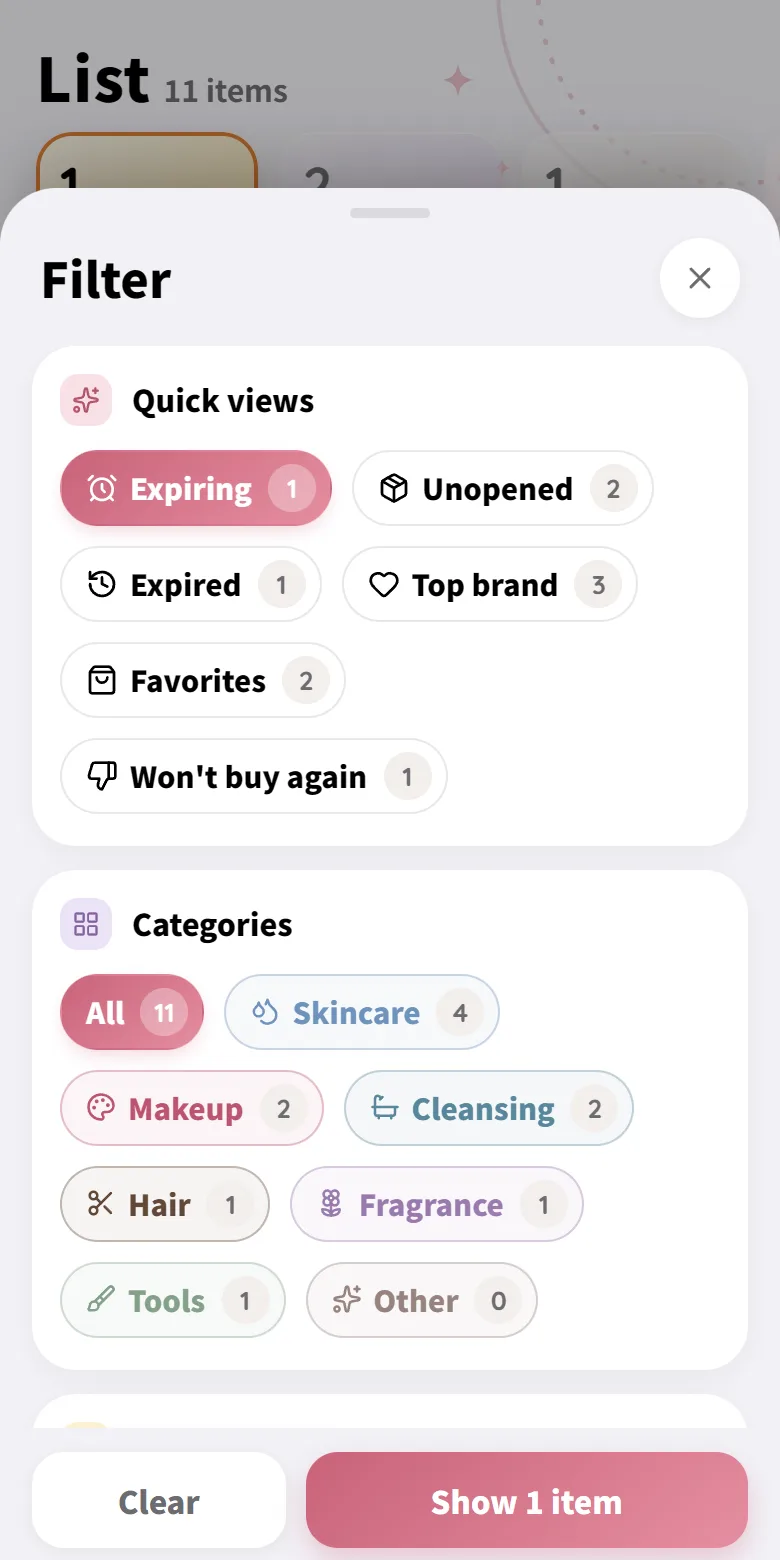
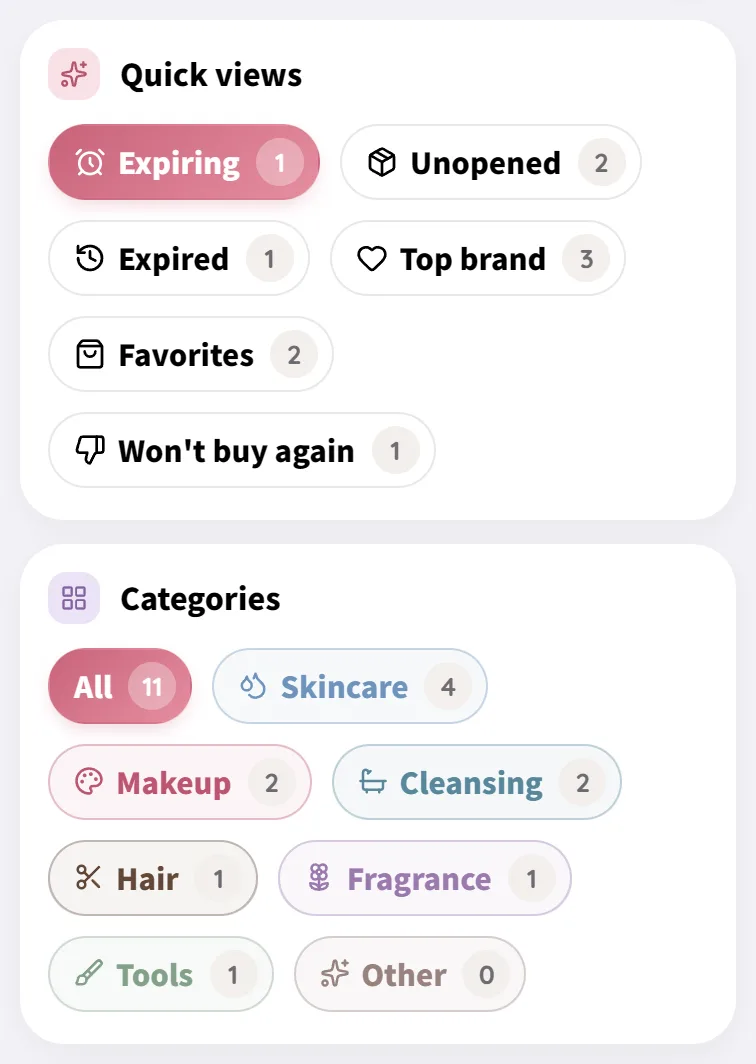
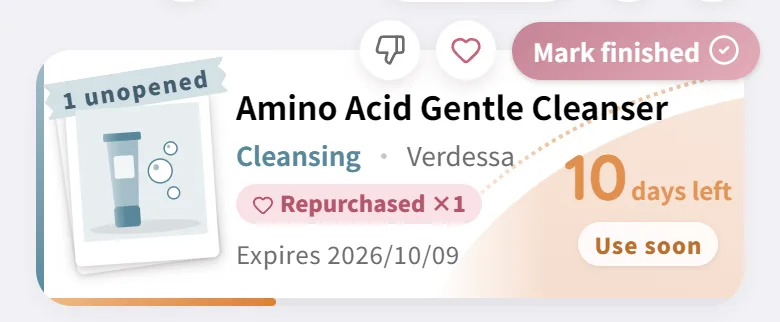
Switch between Expiring, Unopened and Expired with a tap. Every option shows how many products match.
- Combine category and brand
- Sort by days left or purchase date
- Search by name or brand
Expiration reminders, stock and spending
Keep track of every bottle and jar you own
Features
Filters
Switch between Expiring, Unopened and Expired with a tap. Every option shows how many products match.
Today
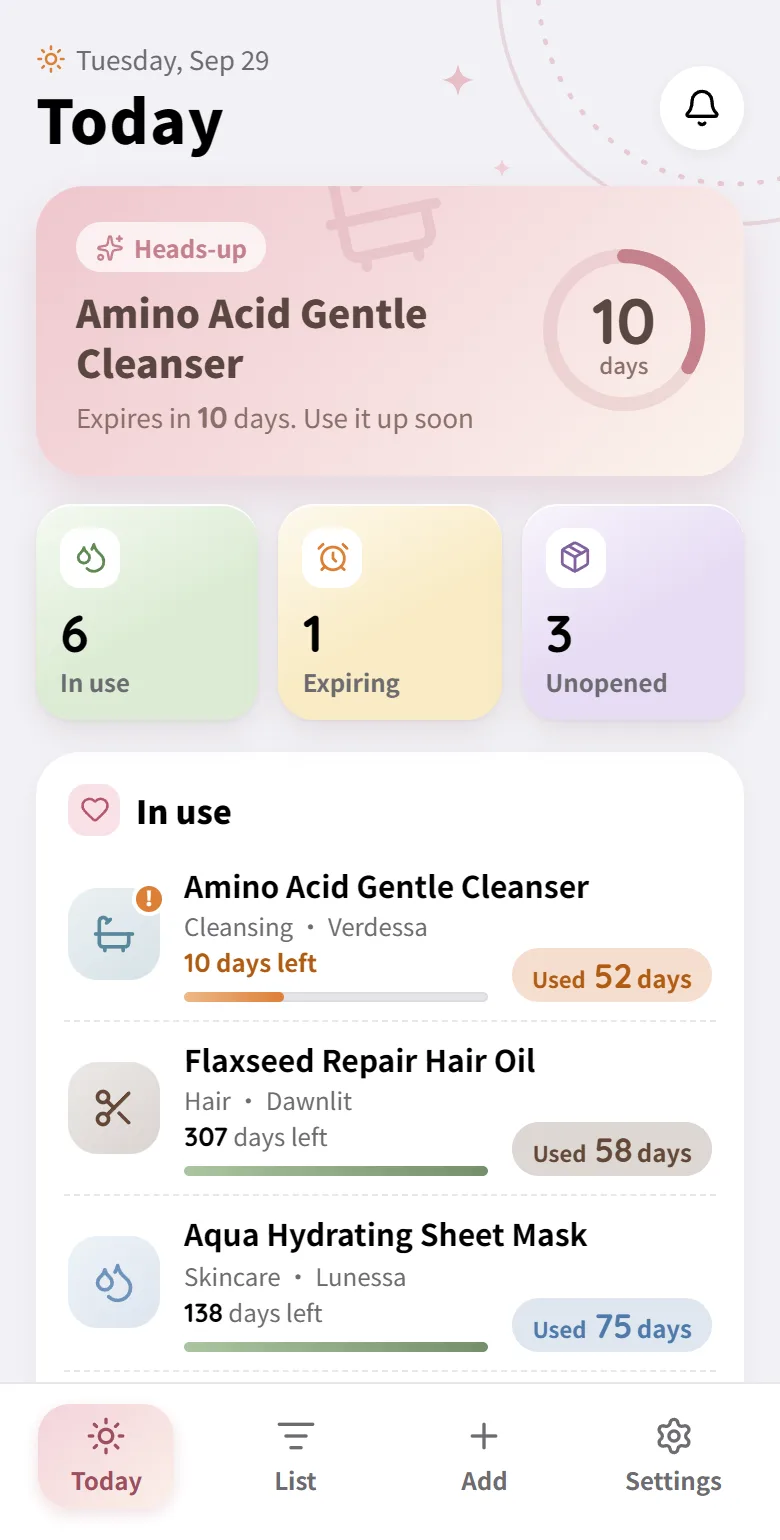
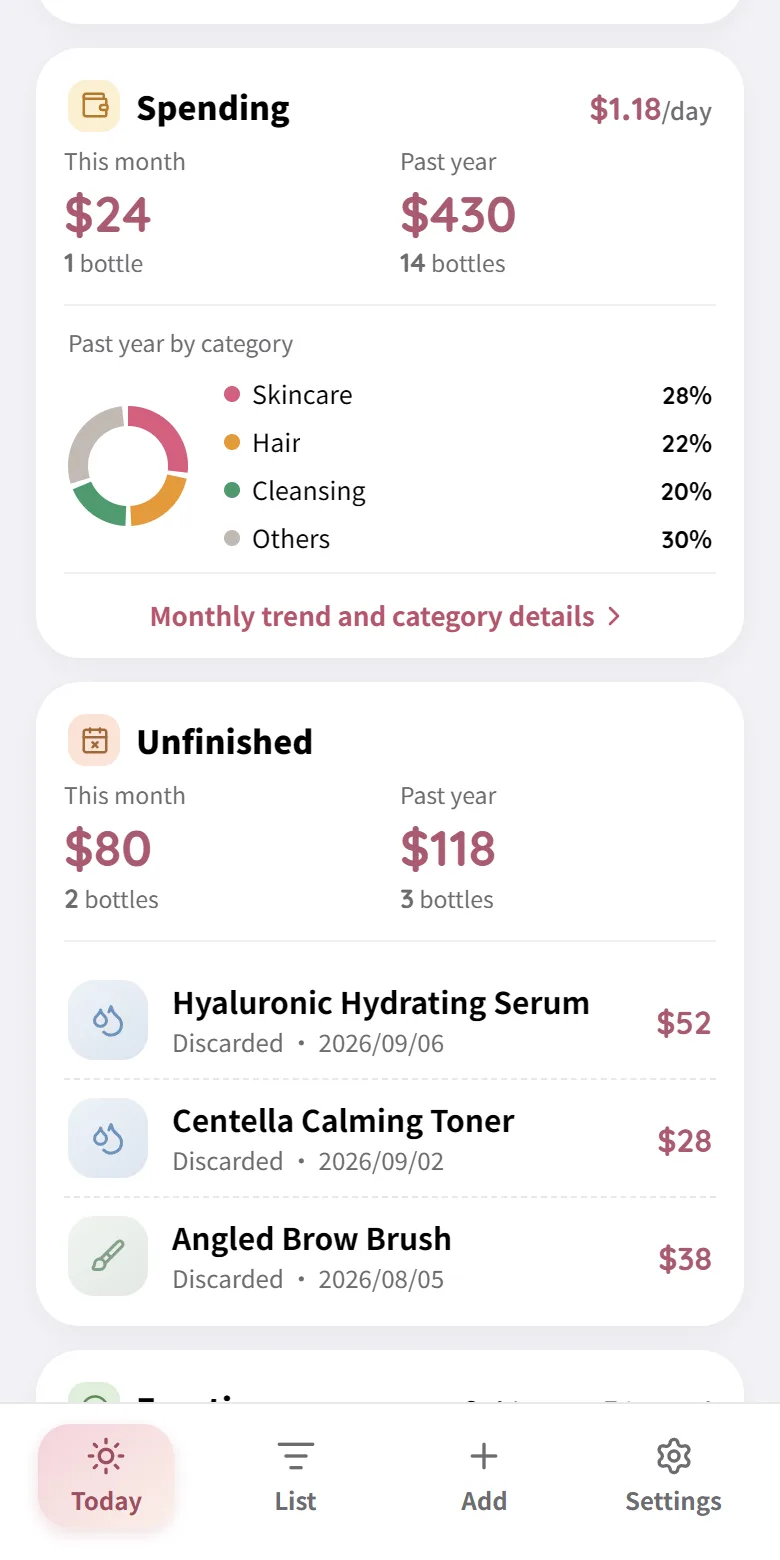
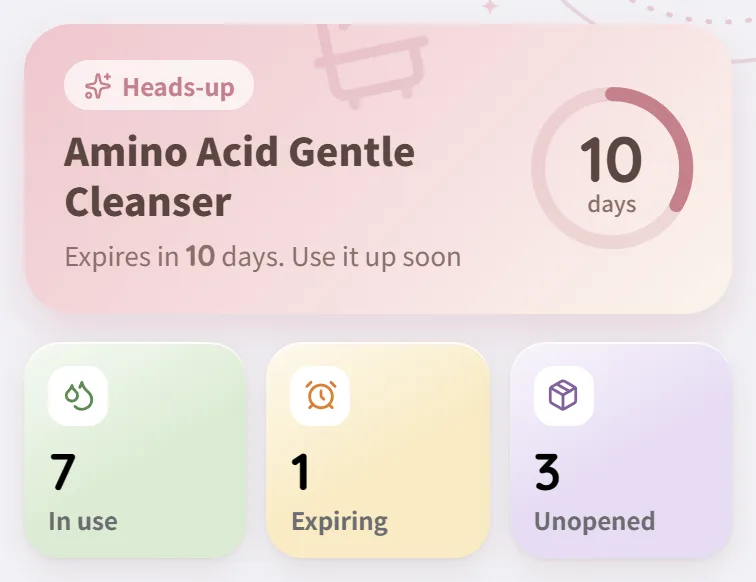
The top card shows which product expires next and how many days are left. Below it, see how many are in use, expiring and unopened.
Dates
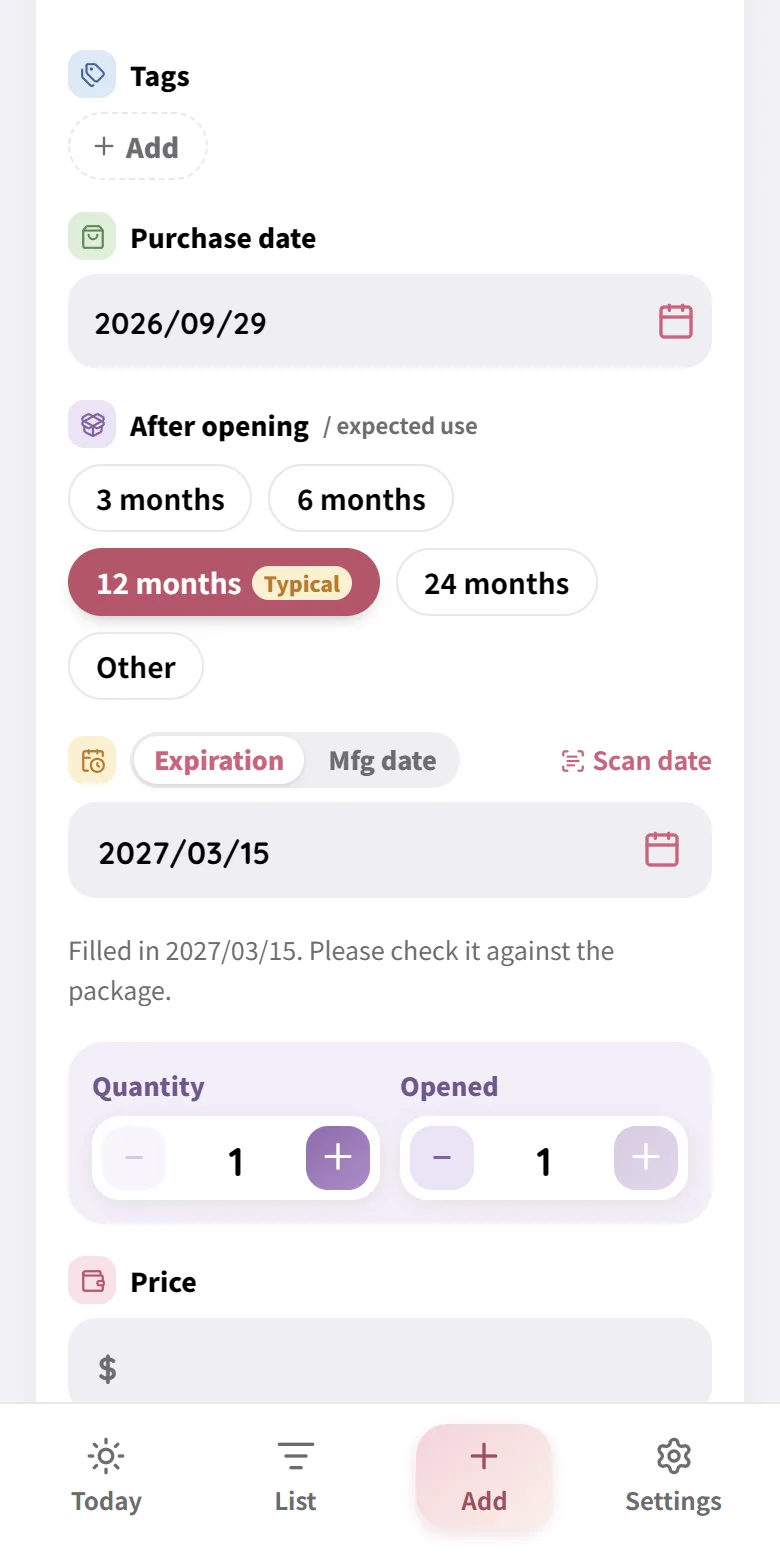
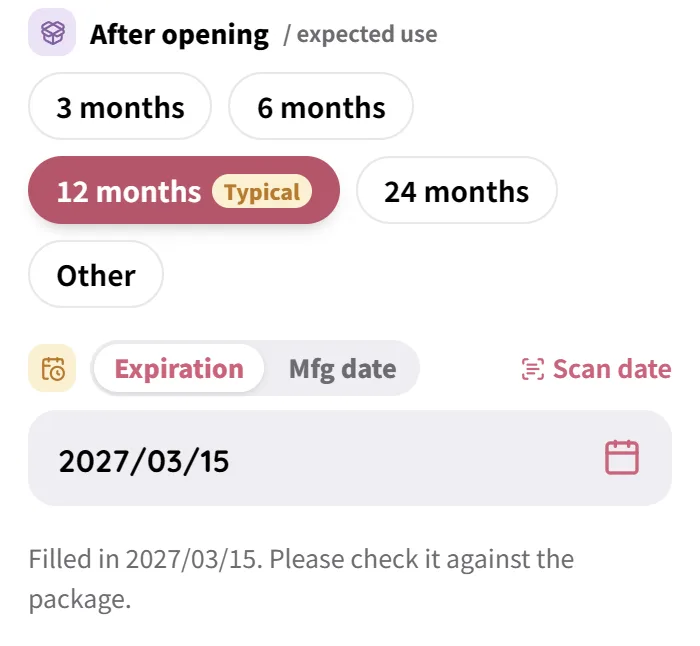
Take a photo of the printed expiration date and it fills in for you. If only the manufacture date is printed, switch to Mfg date and pick the shelf life.
Reminders
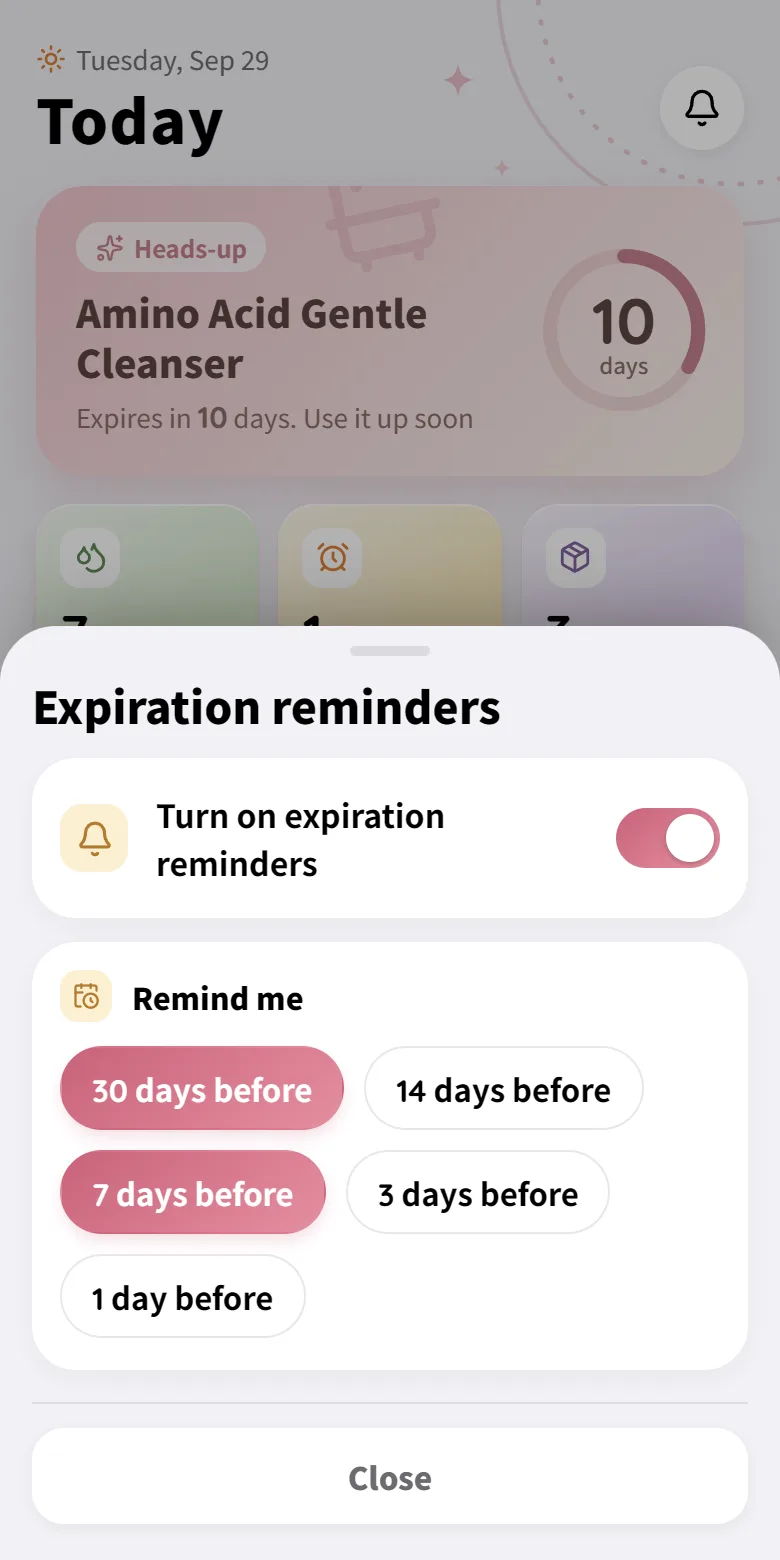
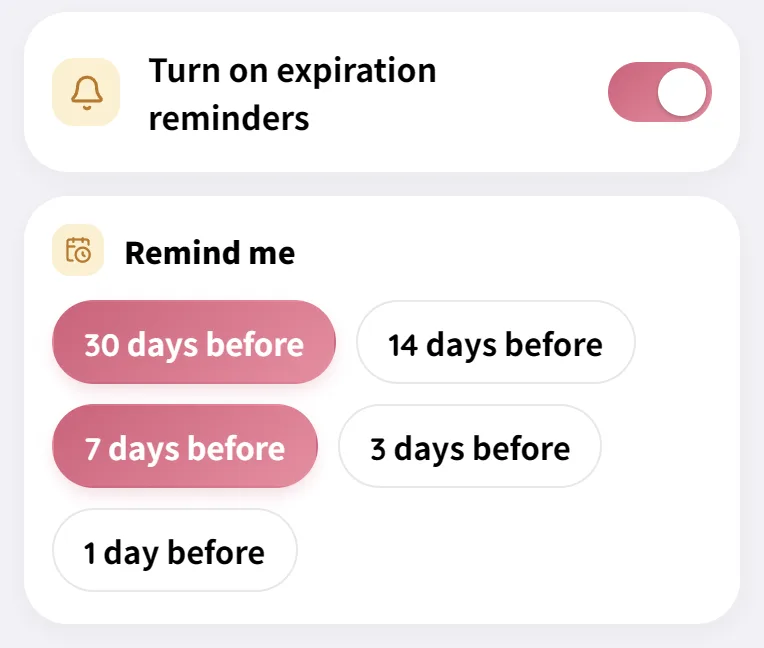
By default, you'll get a notification 30 and 7 days before a product expires. Add reminders 14, 3 or 1 day before too.
More
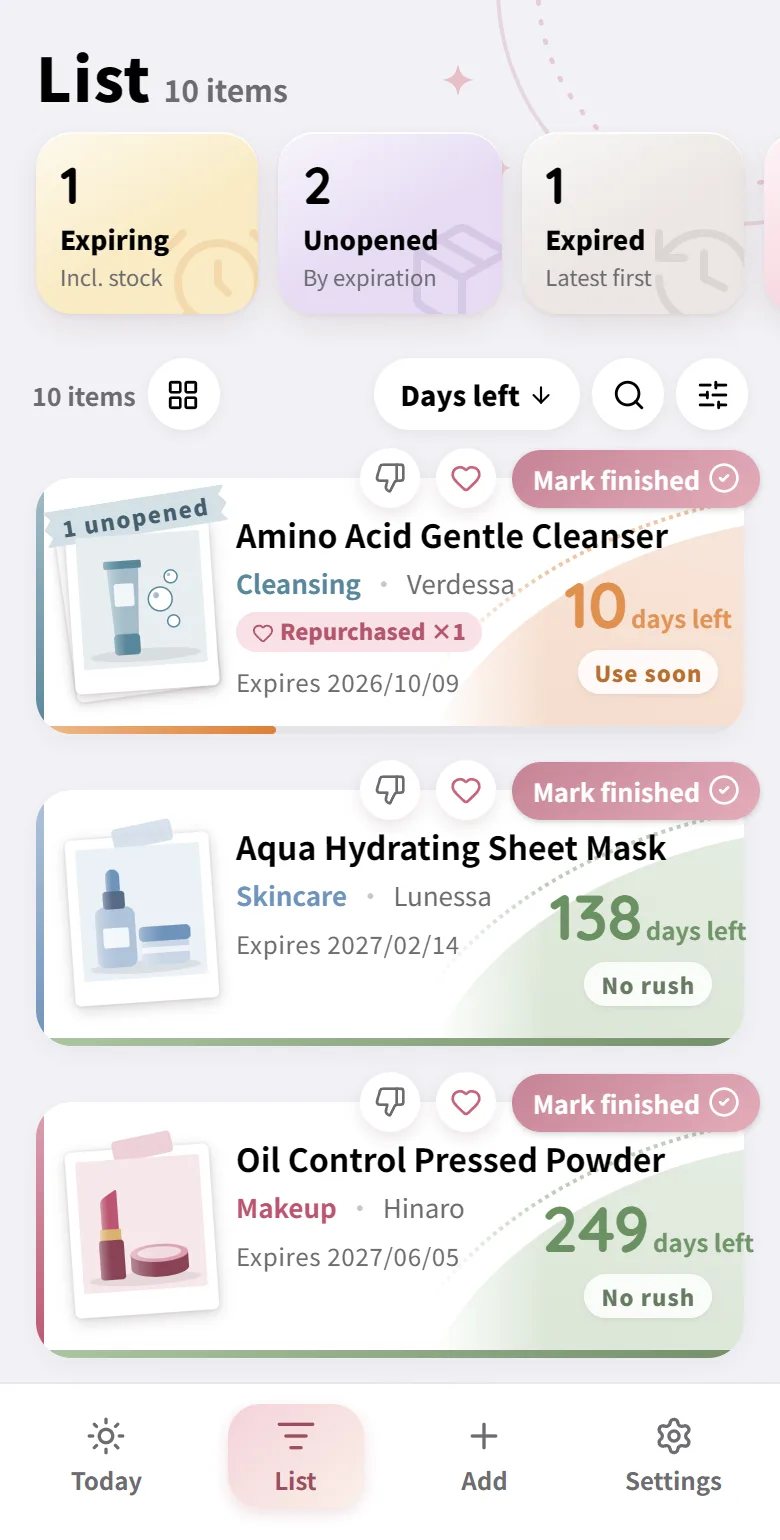
See what's in use and what's in unopened stock, so you don't buy doubles
Scan the QR codes on a Taiwan e-invoice to add the product name, date and price in one go
Type a brand or product name to get suggestions, and add a photo to remember what it looks like
Mark a product as finished to see how many days it lasted and its cost per day
What you can track
FAQ
It's usually printed on the bottom of the bottle or jar, or on the box, marked EXP (short for expiry) or "Best before".
When adding a product, snap a photo of that line and the date fills in automatically. If it's hard to read, you can pick the date yourself.
What each date label means
We don't recommend using expired products.
If something separates, changes color or smells off before its date, stop using it too.
Add the date in the app and you'll get a notification before it expires.
Signs a product has gone bad
That's the period-after-opening (PAO) symbol, shown as an open jar.
12M means use within 12 months of opening. The expiration date on the package only applies while it's unopened.
Add the date you opened it in the app to see how long you've been using each product.
How long products last after opening
By default, you'll get a notification 30 days and 7 days before a product expires.
You can also add reminders 14, 3 or 1 day before in Settings.
Yes, it's free on the App Store and Google Play.
Guides
VaniKeep
Know when you opened it and when it expires, and get the most out of every product